Free Hunter Eyes Test
Take a closer look at your eye tilt, eye opening, and brow-to-eye distance. This test shows measurements for each eye without assigning a “hunter” or “prey” label.
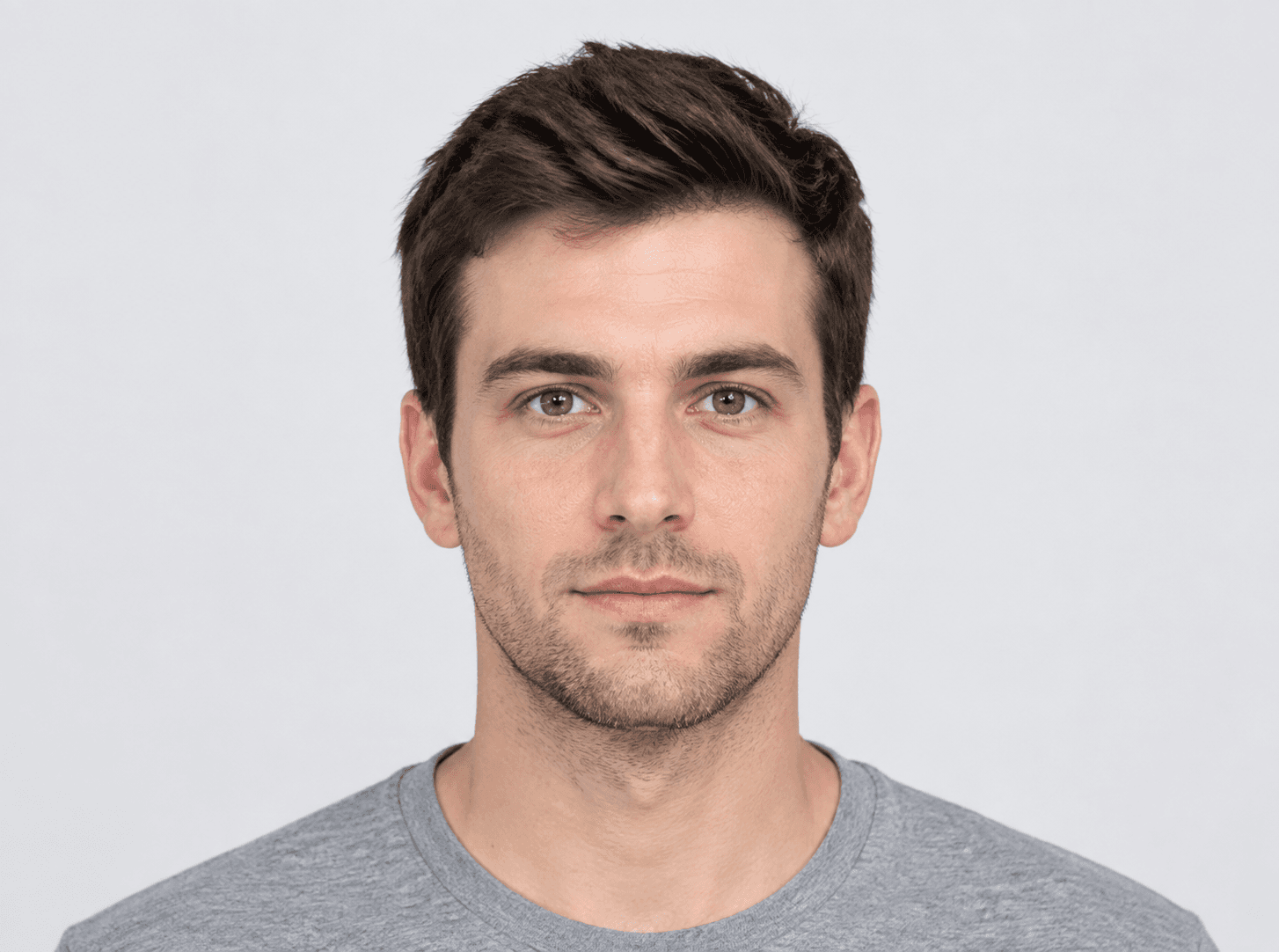
Upload a photo to measure your eye area
One adult. Front-facing. No beauty filter.
How to use the hunter eyes test
- 01
Choose a front-facing photo
Hold the camera at eye level and look straight ahead. Relax your eyebrows, keep your eyes naturally open, and make sure both eyes and cheeks are visible.
- 02
Check the points
Check the points on your photo and drag any that look misplaced. You can also press Tab to select a point, then use the arrow keys to move it. Hold Shift to move it farther.
- 03
Review your results
Review your measurements and download a result card. When comparing photos, keep the lighting, camera distance, and expression as similar as possible.
What this hunter eyes test measures
We measure each eye separately. Canthal tilt uses the line between your iris centers as a reference, which accounts for sideways head tilt. We also measure the distance between the eyelid points and the distance from the middle brow point to the upper eyelid. Each distance is divided by that eye’s corner-to-corner width. All distances are straight lines measured in photo pixels.
Check the detected points on your photo and move any that look misplaced. We haven’t validated the accuracy of these measurements, so be cautious when comparing small differences.
MediaPipe face landmark documentationHow to read your eye-area results
Each result describes a different feature in your photo. Read the measurements separately, and check the points before comparing your left and right eyes.
- Eye tilt
A positive angle means the outer corner is higher than the inner corner relative to the line between your iris centers. A negative angle means it is lower.
- Eye opening / width
The distance between the upper and lower eyelid points divided by eye width. A 10 px opening and 40 px width give 0.25. Squinting and widening your eyes change this measurement.
- Brow-to-eye distance / eye width
The distance from the marked point at the middle of your eyebrow to the upper eyelid, divided by eye width. A 12 px distance and 40 px width give 0.30. Raising your eyebrows changes this measurement.
Hunter eyes test FAQs
Do I have hunter eyes?
This test won’t give you a yes-or-no label. It measures three features often discussed as “hunter eyes”: eye tilt, eye opening, and brow-to-eye distance. You can check each measurement on your photo, but the results aren’t a hunter-eyes score.
How is this different from a canthal tilt calculator?
A canthal tilt calculator measures one angle per eye. This test also measures eye opening and the distance from each eyebrow to the upper eyelid, both relative to eye width.
Does the test measure upper eyelid exposure?
No. Eye opening is the gap between the eyelids. Upper eyelid exposure involves the visible skin above the upper lash line and the eyelid crease, which these landmarks do not locate.
Can this test tell if my eyes are deep-set?
No. These measurements come from points on a two-dimensional photo. They don’t tell us how deep your eyes sit in their sockets or how far your brow bone projects forward.
Why do my left and right results differ?
Your eyes can look different from each other, but head angle, lighting, expression, and misplaced points can also affect the results. Left and right labels may be reversed in a mirrored selfie. Compare photos taken in similar conditions before interpreting small differences.
Should I squint for the test?
Keep your eyes naturally open and relax your eyebrows. Squinting changes the measurement, so use a relaxed expression when comparing photos.
Is this free, and is my photo uploaded?
The test and result download are free, with no account needed. Your photo is processed in your browser and isn’t uploaded. Refresh the page or select Clear & choose another to remove the photo and results. Any cards you download remain on your device.